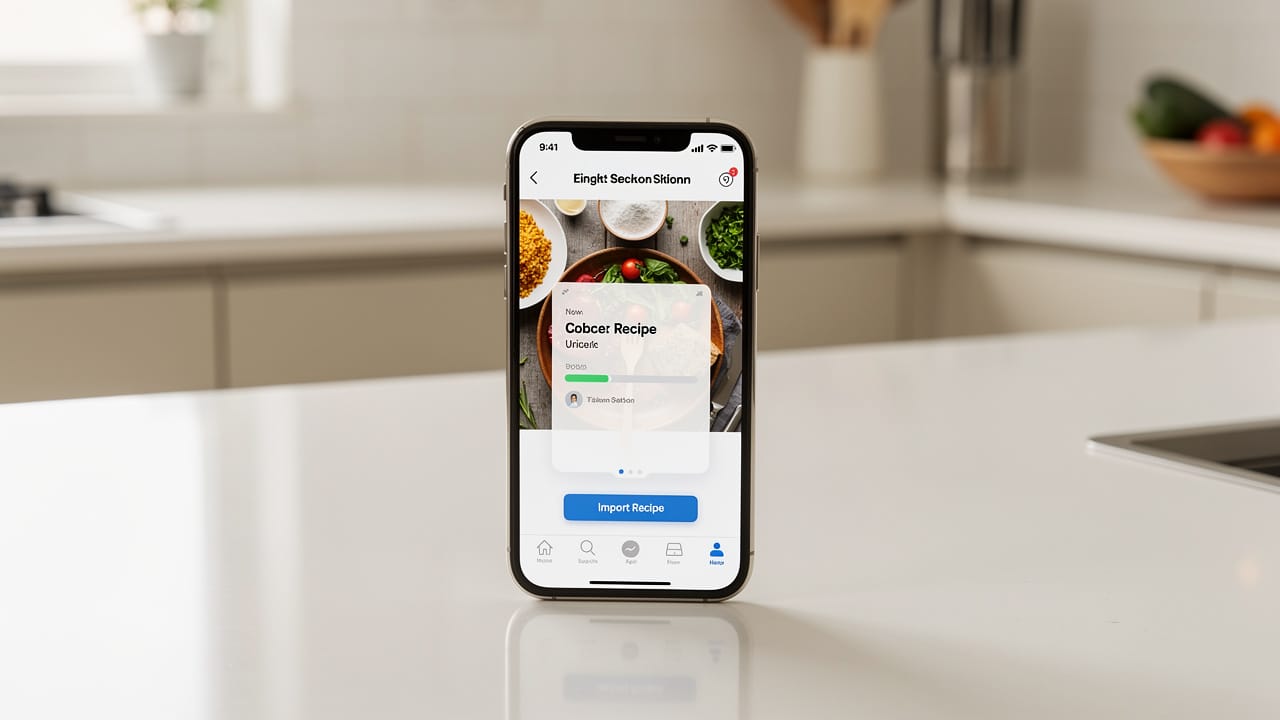
 Bastien
Recipe Import
The ability to save recipes from websites, photos, cookbooks, or other apps into your recipe manager automatically, with ingredients and steps properly parsed.
Recipe import is how modern recipe managers solve the "recipes scattered everywhere" problem. Instead of bookmarking URLs that break, screenshotting recipes that pile up in your camera roll, or handwriting lists that get lost, you save everything to one organized, searchable collection. A good importer does not just store text — it parses ingredients, quantities, units, and steps so that features like recipe scaling, shopping lists, and cook mode work automatically.
Import methods compared
| Method | How it works | Best for | Limitations |
|---|---|---|---|
| URL import | Paste a link, app extracts the recipe | Blog and website recipes | Fails on paywalled or poorly structured sites |
| Photo / image | Take a photo or upload an image, OCR reads the text | Cookbook pages, magazine clippings | Handwriting can be hard to read, formatting varies |
| Copy-paste | Paste plain text, app parses structure | Recipes from PDFs, emails, messages | Requires well-formatted text |
| Browser extension | Click a button while viewing a recipe page | Frequent web browsers who save lots of recipes | Requires browser extension installation |
| Share sheet (mobile) | Share from any app directly to the recipe manager | Mobile users finding recipes in social media or other apps | Platform-dependent |
| File import | Upload files in Cooklang, JSON, or other formats | Migrating from another recipe manager | Format compatibility varies |
| Bulk import | Import many recipes at once from an export file | Switching apps entirely | Not all apps support the same export formats |
How URL import works
URL import is the most common method. When you paste a recipe link, the app:
- Fetches the web page
- Looks for structured data (JSON-LD, Microdata, or Recipe schema)
- Falls back to parsing HTML if no structured data exists
- Extracts the title, ingredients, steps, times, and photos
- Maps quantities and units to structured fields
- Saves the result as a complete, parsable recipe
Why some imports fail
| Problem | Why it happens | How good apps handle it |
|---|---|---|
| Ads and pop-ups obscure the recipe | Sites monetize with aggressive advertising | AI-powered parsers ignore non-recipe content |
| No structured data on the page | Older sites or personal blogs without schema markup | HTML parsing with pattern recognition |
| Recipe spread across multiple pages | Clickbait sites split recipes for more page views | Multi-page detection and aggregation |
| Ingredients not properly parsed | Unusual formatting or measurement styles | AI understands context ("a pinch of salt" = ingredient) |
| Photos missing or wrong | Recipe card and hero image differ | Multiple image extraction with user selection |
| Paywalled content | Subscription required to view the recipe | Cannot be imported without access — manual entry needed |
What makes a good recipe importer
Ingredient parsing quality
This is the most important factor. A good importer correctly separates:
| Component | Example | Why it matters |
|---|---|---|
| Ingredient name | "all-purpose flour" | For shopping lists and search |
| Quantity | "2.5" | For recipe scaling |
| Unit | "cups" | For scaling and unit conversion |
| Preparation | "sifted" | For instructions, not the shopping list |
| Notes | "or bread flour" | For substitution information |
Bad parsing means scaling breaks, shopping lists are wrong, and cook mode shows garbled text. The difference between "2 cups all-purpose flour, sifted" being parsed as one structured ingredient versus a blob of text is the difference between a useful app and a frustrating one.
Format support
The best importers handle recipes from:
- Recipe blogs with Schema.org markup
- Older websites with no structured data
- Social media posts (Instagram, TikTok descriptions)
- PDF cookbooks and ebooks
- Photos of physical cookbook pages
- Handwritten recipe cards
- Plain text from emails or messages
- Other recipe managers (Paprika, Crouton, Mealie)
AI vs rule-based import
| Approach | How it works | Accuracy | Flexibility |
|---|---|---|---|
| Rule-based | Predefined patterns match specific website structures | High for known sites | Breaks on unfamiliar formats |
| AI-powered | Machine learning understands recipe context regardless of format | High across all sources | Handles any format, even handwriting |
| Hybrid | Rules for common patterns, AI for everything else | Highest overall | Best of both approaches |
Traditional rule-based importers work well for popular recipe sites but fail on personal blogs, social media, or photos. AI-powered importers understand that "3 cloves of garlic, minced" is an ingredient regardless of how the page is formatted.
Migrating between recipe managers
When you switch from one recipe manager to another, bulk import becomes critical:
| Source app | Common export format | Migration difficulty |
|---|---|---|
| Paprika | Paprika format (.paprikarecipes) | Easy if target app supports it |
| Crouton | JSON export | Moderate |
| Mealie | JSON API export | Moderate |
| Copy Me That | HTML or text export | Moderate |
| Cooklang files | .cook text files | Easy — open format |
| Browser bookmarks | URLs only | Must re-import each recipe |
| Notes app | Plain text | Must re-import each recipe |
Apps that use open formats like Cooklang make migration easiest because the files are plain text that any compatible app can read. Proprietary formats make you dependent on specific export/import support.
Import and structured data
The quality of everything downstream depends on import quality:
| Feature | Requires from import |
|---|---|
| Recipe scaling | Quantities and units parsed separately |
| Shopping lists | Ingredient names extracted cleanly |
| Cook mode | Steps separated and ordered |
| Unit conversion | Units identified (cups vs grams vs tablespoons) |
| Nutrition estimation | Ingredients matched to food database |
| Meal prep planning | Servings and times correctly extracted |
If the importer stores "2 cups flour, sifted" as a single text blob instead of parsing it into structured fields, none of these features can work reliably. This is why import quality is the number one differentiator between recipe managers.
Tips for better imports
- Test import quality before committing to an app — import 5-10 recipes from different sources and check the results
- For URL imports, use the original recipe source rather than a re-posted version — original sites have better structured data
- When importing from photos, use good lighting and a flat page — creased or shadowed pages reduce OCR accuracy
- After importing, quickly scan the ingredient list — catch parsing errors before you try to cook or generate a shopping list
- If an app has both manual entry and import, use import first and then fix any errors — faster than typing from scratch
- Export your collection periodically, even if you do not plan to switch apps — backups protect against app shutdowns
Recipe import in Fond
Fond's AI-powered importer handles any source: paste a URL, snap a photo of a cookbook page, or drop in plain text. The AI understands recipe context — it correctly parses ingredients with quantities and units, separates preparation notes from the ingredient name, and structures steps in order. Imported recipes work immediately with recipe scaling, shopping lists, and cook mode because everything is stored in structured Cooklang format under the hood. Fond can even read handwritten recipe cards from photos.
Frequently asked questions
Why do some recipe URLs fail to import?
Most failures happen because the website has no structured recipe data (JSON-LD or Schema.org markup), uses heavy JavaScript rendering that blocks the importer, or requires a login to view the recipe. AI-powered importers handle more edge cases than rule-based ones, but paywalled content cannot be imported without access.
Can I import recipes from photos of cookbooks?
Yes, if your recipe manager supports photo import with OCR (optical character recognition). Take a clear, well-lit photo of the page. The app reads the text and parses it into a structured recipe. Results vary with print quality and formatting — clean, modern cookbook layouts import better than dense, multi-column vintage cookbooks.
What happens to my recipe if the original website goes down?
Once imported, the recipe lives in your recipe manager independently of the source. This is one of the key advantages over bookmarking — you own a copy, not just a link. For maximum safety, use an app that stores recipes in open formats like Cooklang so you can access them even without the app.
How do I import recipes from another recipe app?
Most recipe managers offer export functionality (usually JSON, CSV, or a proprietary format). Export from the old app, then use the bulk import feature in the new one. If the formats are incompatible, you may need to re-import individual recipes by URL or text. Apps built on open formats make this easier.
Is manual entry ever better than importing?
For family recipes, handwritten cards, or recipes you have memorized, manual entry can be faster and more accurate than trying to import from a photo or poorly formatted text. Some apps also let you write recipes directly in Cooklang format for maximum structure and portability.
Cook smarter
Join the waitlist for Fond. Recipes, meal plans, and a little AI sous-chef that learns how you cook.
Related terms

Cooklang
A markup language for writing recipes in plain text, making ingredients, cookware, and timers machine-readable while keeping files human-readable and portable.
Kitchen Scale
A digital scale for measuring ingredients by weight — far more accurate than cups and spoons, especially in baking.
Meal Prep
Preparing meals or meal components in advance, typically for the week ahead, to save time and reduce daily cooking effort.

Recipe Manager
Software for storing, organizing, and accessing recipes digitally — replacing physical cookbooks, bookmarks, and scattered notes with a searchable, scalable collection.
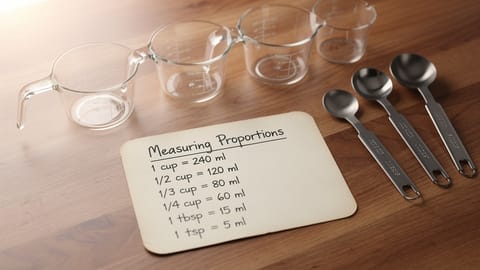
Recipe Scaling
Adjusting ingredient quantities in a recipe to serve more or fewer people while maintaining correct proportions.
Smart Shopping List
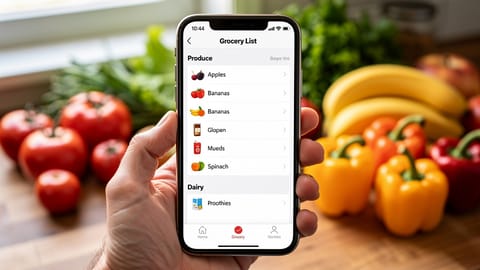
An automatically generated grocery list that combines ingredients from multiple recipes, merges duplicates, and organizes by store aisle.
How to save recipes from websites (without the ads and life stories)
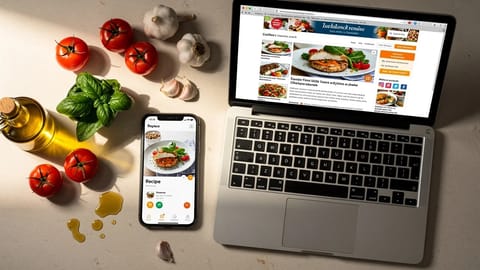
Four ways to strip the clutter from recipe websites and keep just the ingredients and steps. From quick browser tricks to apps that store, scale, and plan around your saved recipes.