 Bastien
Recipe Manager
Software for storing, organizing, and accessing recipes digitally — replacing physical cookbooks, bookmarks, and scattered notes with a searchable, scalable collection.
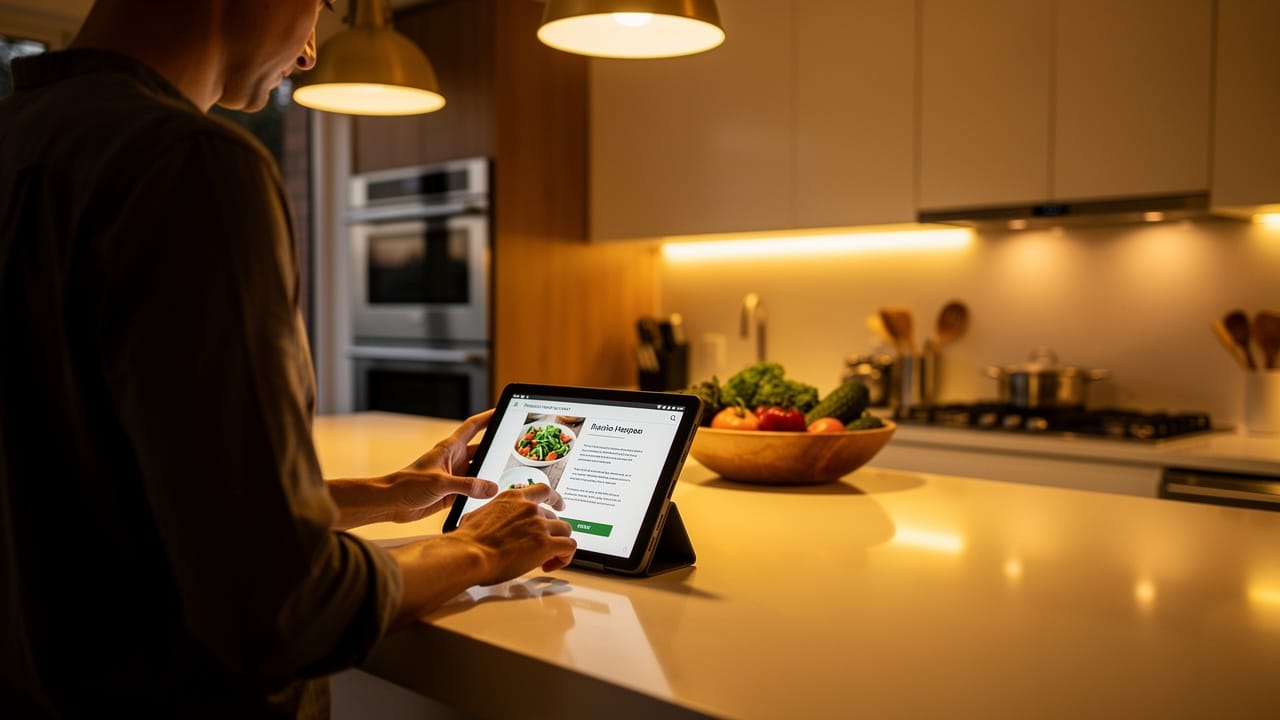
A recipe manager is software designed to be your digital cookbook. It stores all your recipes in one place and makes them searchable, scalable, and accessible from any device. Instead of juggling screenshots, browser bookmarks, paper printouts, and notes apps, a recipe manager gives every recipe a permanent home — and unlocks features that physical cookbooks cannot match, like automatic shopping lists, recipe scaling, and step-by-step cook mode.
What a recipe manager does
A good recipe manager handles every stage of the cooking workflow:
| Stage | What the app does |
|---|---|
| Collecting | Import recipes from websites, photos, PDFs, or type them manually |
| Organizing | Categories, tags, collections, and full-text search |
| Planning | Meal prep calendars and batch cooking plans |
| Shopping | Auto-generated shopping lists from selected recipes |
| Scaling | Adjust quantities for any number of servings via recipe scaling |
| Cooking | Step-by-step guided mode with built-in timers |
The core difference between a recipe manager and a notes app is structure. When ingredients, quantities, and steps are parsed — not just stored as free text — the app can do useful work with your data automatically.
Types of recipe managers
| Type | Examples | Pros | Cons |
|---|---|---|---|
| Cloud-based | Fond, Paprika, Whisk | Sync across devices, no setup | Subscription cost, data on servers |
| Self-hosted | Mealie, Tandoor, Grocy | Full data control, free | Requires a server, setup expertise |
| Platform-locked | Crouton (Apple only) | Deep OS integration | Only works on one ecosystem |
| Simple clippers | Copy Me That, Recipe Keeper | Easy to use, low cost | Limited features beyond saving |
| Plain-text based | Cooklang apps | Portable files, version control | Fewer visual features |
Cloud-based managers
The most popular category. Your recipes sync across phone, tablet, and computer. The trade-off is a monthly or annual subscription, and your data lives on the company's servers. Look for apps that let you export your data in an open format — so you are never locked in.
Self-hosted managers
You run the software on your own server (a Raspberry Pi, NAS, or cloud VPS). This gives you complete control over your data and costs nothing beyond hardware. The downside is setup and maintenance — you need to be comfortable with Docker, databases, and updates.
Plain-text recipe managers
Apps built on formats like Cooklang store recipes as simple text files. You can edit them in any text editor, sync them with Dropbox or Git, and import them into any compatible app. The files are tiny, future-proof, and entirely yours.
Features to look for
Recipe import
The fastest way to build your collection. A good recipe manager can import recipes from:
| Source | What good import looks like |
|---|---|
| Websites | Paste a URL, get a clean recipe with ingredients parsed |
| Photos | Take a picture of a cookbook page, OCR extracts the text |
| PDFs | Upload a PDF, get structured recipes |
| Other apps | Import from Paprika, Crouton, or other managers |
| Manual entry | A clean editor for typing your own recipes |
Poor import quality is the number one frustration with recipe managers. Always test import with a few real recipes before committing to an app.
Organization
| Feature | Why it matters |
|---|---|
| Tags | Flexible labeling (quick, weeknight, kid-friendly, dairy-free) |
| Collections | Group recipes for specific purposes (holiday dinner, camping) |
| Full-text search | Find recipes by any word in the title, ingredients, or instructions |
| Filters | Narrow by time, cuisine, dietary restriction, or ingredient |
| Favorites | Quick access to recipes you cook regularly |
Meal planning and shopping
The best recipe managers connect planning to shopping seamlessly:
- Pick recipes for the week on a meal prep calendar
- The app generates a combined shopping list with quantities aggregated
- Check items off at the store, or share the list with someone else
- Leftover tracking adjusts future plans based on what you already have
Without this integration, you end up doing the same work manually — looking up each recipe, writing down ingredients, and cross-referencing what is already in the pantry.
Recipe scaling
Recipe scaling adjusts every ingredient when you change the number of servings. This only works well if the app has parsed ingredients with quantities and units — not just a block of text. A recipe manager that uses structured formats like Cooklang can scale accurately because every ingredient is machine-readable.
Cook mode
A dedicated cooking view that:
- Shows one step at a time in large text
- Keeps the screen awake
- Includes built-in timers you can start with one tap
- Highlights ingredients in each step
- Lets you go hands-free with voice control (in some apps)
Cook mode transforms a recipe manager from a reference tool into an active cooking assistant.
Common problems with recipe managers
| Problem | Cause | What to look for |
|---|---|---|
| Recipes import poorly | Bad parser, no AI assistance | Test import before subscribing |
| Can't find recipes | No tags, weak search | Full-text search + filters + tags |
| Scaling is inaccurate | Ingredients not properly parsed | Apps with structured ingredient parsing |
| Shopping list is a mess | No ingredient consolidation | Lists that merge duplicates and group by aisle |
| App discontinued, data lost | Proprietary format, no export | Export support, open formats like Cooklang |
| Too complex to use daily | Feature overload | Simple UI with optional advanced features |
Recipe manager vs other solutions
| Solution | Good for | Limitations |
|---|---|---|
| Browser bookmarks | Saving links quickly | Recipes disappear when sites change, no scaling, no shopping lists |
| Notes app | Typing your own recipes | No structure, no import, no scaling |
| Pinterest boards | Visual inspiration | No ingredient parsing, not a cooking tool |
| Physical cookbook | Browsing and reading | Not searchable, cannot scale, heavy to carry |
| Spreadsheet | Detailed meal planning | Poor recipe display, no cook mode |
| Recipe manager | Everything above, integrated | Subscription cost, learning curve |
Tips for getting started
- Start by importing your 20 most-cooked recipes — not your entire bookmark folder
- Use tags consistently from the beginning (easier than reorganizing later)
- Test the import feature with recipes from different sources before committing
- Set up a weekly routine: plan meals on Sunday, generate shopping list, shop once
- Use a kitchen scale with weight-based recipes for the most accurate scaling
- Export your data periodically, even if you trust the app
Fond as a recipe manager
Fond does everything you expect from a recipe manager, but goes further. It uses Cooklang under the hood so every recipe is automatically structured — ingredients, quantities, timers, all machine-readable. That means recipe scaling, shopping lists, and cook mode work out of the box. Fond also brings AI-powered recipe import from any source, an AI cooking assistant that learns your preferences, dedicated workshops for pizza, bread, and coffee, and meal planning that tracks your leftovers.
Frequently asked questions
What is the best recipe manager?
It depends on your priorities. If you want cross-platform sync, AI import, and built-in meal planning, Fond is built for that. If you want full data control, self-hosted options like Mealie work well. The best recipe manager is the one you actually use every week.
Are recipe managers worth paying for?
If you cook at home more than three times a week, yes. The time saved on meal planning, shopping lists, and recipe lookup easily justifies a small subscription. Free apps exist but often lack import quality, scaling, or sync.
Can I move my recipes between apps?
That depends on the export format. Apps that support standard formats or plain text (like Cooklang) make migration easy. Proprietary databases make it hard. Always check export options before committing to an app.
Do I need a recipe manager if I only cook simple meals?
Even simple meals benefit from organized recipes, automatic shopping lists, and the ability to scale for guests. A recipe manager is not just for complex cooking — it is for anyone who wants to spend less time planning and more time eating.
How do recipe managers handle different measurement systems?
Good recipe managers let you switch between metric and imperial units. Apps that parse ingredients with structured quantities (name, amount, unit) can convert automatically. Using weight-based measurements with a kitchen scale gives the best results across systems.
Cook smarter
Join the waitlist for Fond. Recipes, meal plans, and a little AI sous-chef that learns how you cook.
Related terms

Cooklang
A markup language for writing recipes in plain text, making ingredients, cookware, and timers machine-readable while keeping files human-readable and portable.
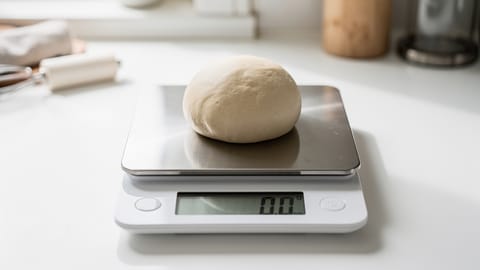
Kitchen Scale
A digital scale for measuring ingredients by weight — far more accurate than cups and spoons, especially in baking.
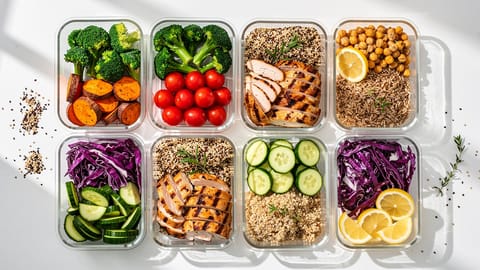
Meal Prep
Preparing meals or meal components in advance, typically for the week ahead, to save time and reduce daily cooking effort.
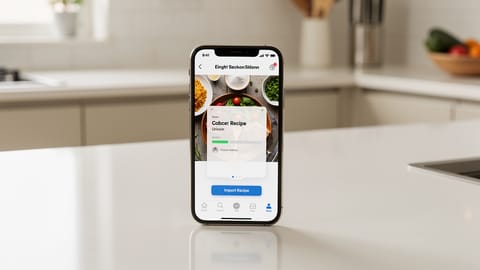
Recipe Import
The ability to save recipes from websites, photos, cookbooks, or other apps into your recipe manager automatically, with ingredients and steps properly parsed.
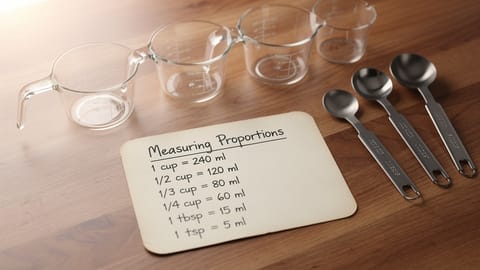
Recipe Scaling
Adjusting ingredient quantities in a recipe to serve more or fewer people while maintaining correct proportions.
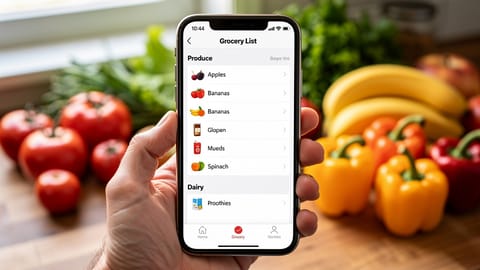
Smart Shopping List
An automatically generated grocery list that combines ingredients from multiple recipes, merges duplicates, and organizes by store aisle.
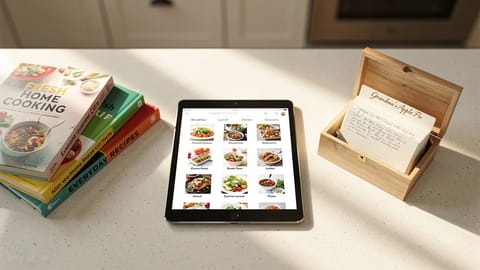
How to organize your recipes digitally (and actually find them again)
A practical system for getting your recipes out of screenshots, bookmarks, and kitchen drawers into one searchable place. Covers tagging, collections, and what to look for in a recipe organizer app.